

See the platform running real events
Not a slide deck, and not a sales call. Leave your email and we will send you straight into live examples - real events our clients have run with StreamWerk, with their own programmes, their own sessions, and the insight that came out of them.


Prefer a guided tour?
The examples above are self-serve: a link lands in your inbox and you look around on your own. A demo is the guided route - pick a date, and we will walk you through a live eventsite, session by session.
You can also do both. Start with an example, and bring your questions to the demo.
You can book right here
See the eventsites behind real events
Leave your email and we send you into live eventsites our clients ran with StreamWerk - real programmes, real sessions, real insight. The link lands in your inbox in a minute.
FAQs about the live examples
Are the examples demo accounts or real events?
Real ones. Every example is an eventsite a client actually ran, with its own programme, its own sessions and the insight that came out of them. Nothing is staged for the tour.
What will I be able to do in there?
Everything an attendee could: read the takeaways from every session, ask the event a question and get an answer drawn from what was said, browse speaker recaps, and see the highlights that went out afterwards.
Do I need to install or sign up for anything?
No. The examples open in a browser on any device. Leave your email, they land in your inbox, and you look around for as long as you like.
Which example should I start with?
You get all of them, so start with whichever is closest to yours - a multi-track conference, a single-track or one-day event, or a webinar - and compare the others from there. The same platform runs all three; what differs is how much it captures in parallel.
Can I see the live, on-the-day side as well?
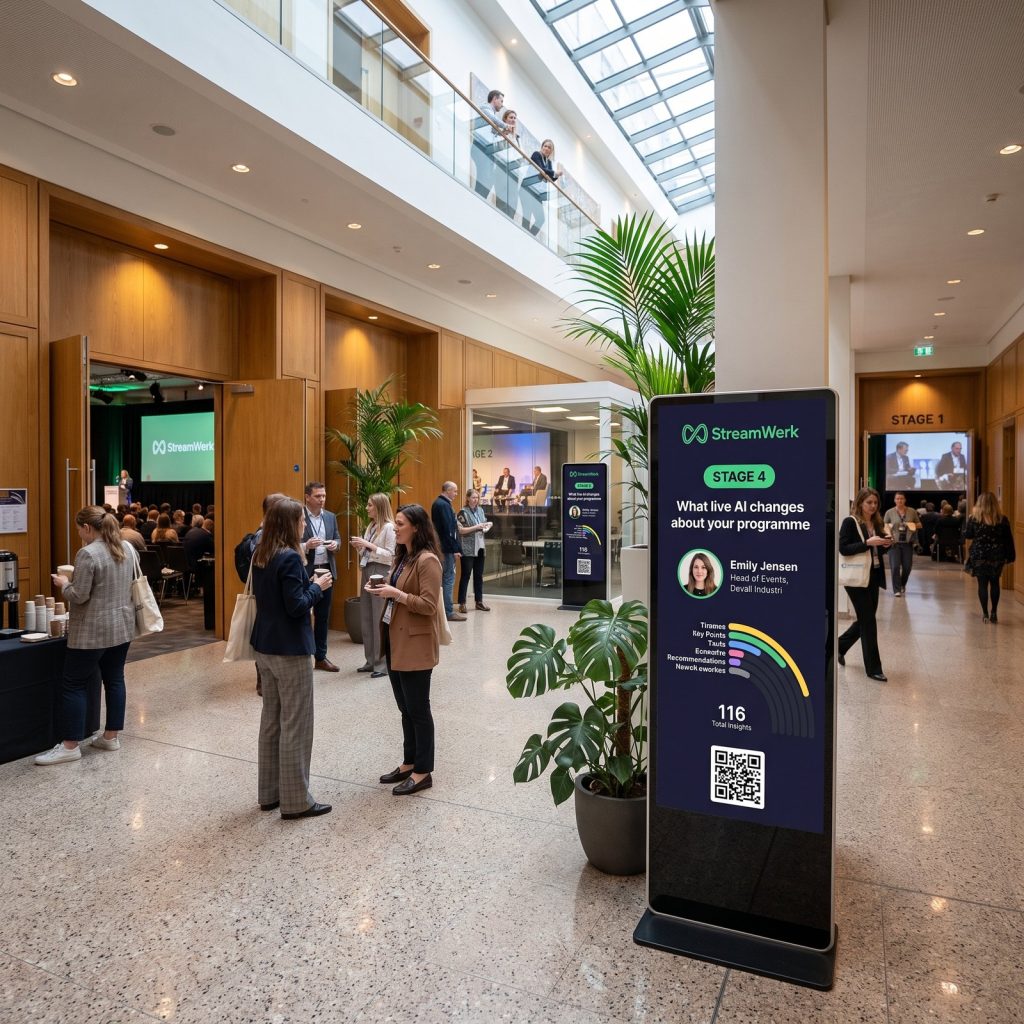
The examples show the eventsites after the day, which is where most of the value sits. The live side - realtime takeaways on screens, captions, translation - is best seen running, which is what a demo is for.
Can I share the examples with colleagues?
Yes. Forward the email to whoever needs to see it - the programme lead, the marketing team, the sponsor manager. They get the same access you do.
What happens after I look around?
Nothing automatic. If it looks like your event, book a demo below and we walk you through it live, or write to us with what you want to know.
Didn't find your answer? Ask us directly - hey@streamwerk.io - or book a demo.